Fridge.Menu vs. Recipe Keeper: which one fits you?
Recipe Keeper is free to download, with a one-time Pro upgrade for syncing and sharing. Its own listing and its own users' reviews describe that upgrade differently — here's both, dated and sourced.
Who Recipe Keeper suits
Recipe Keeper's App Store listing (checked September 27, 2026) states a "Recipe Keeper Pro Upgrade" for $19.99, and describes it as letting you "Share your recipes, shopping lists and meal planner across all your iPhones, iPads, Macs, PCs and other mobile and tablet devices," "Share your recipes by email and to your favorite social networks," and "Create a shared family recipe collection."
Recipe Keeper's strengths
Recipe Keeper's listing shows a 4.8-star average with 31,000+ ratings (checked September 27, 2026), and its stated Pro features — cross-platform sync, email/social sharing, a shared family collection — cover more than most free recipe apps offer.
Worth knowing
Two of its own recent reviewers describe a different experience with those Pro features. One, September 14, 2026: "I have a paid account on my phone... I just download the app on my laptop, but even with a paid account, it's only showing me the free version on my laptop... I have to purchase it again on my laptop in order to sync recipes with my phone." Another, September 23, 2026: "there is no way to share your recipes with others unless they also have the app!" These are two individual reports, not a confirmed universal policy — but worth knowing before you buy the upgrade expecting the listing's description.
Recipe Keeper vs. Fridge.Menu, on checkable criteria
| Recipe Keeper | Fridge.Menu | |
|---|---|---|
| Price | Free, $19.99 Pro upgrade for sync/sharing | Free, 10 AI credits included |
| Cross-device sync | Pro upgrade — one reviewer reported friction (Sep 14, 2026) | Included, no extra purchase |
| Sharing with non-users | Listing says yes; one reviewer reported the opposite (Sep 23, 2026) | Family sharing built in |
| Recipe import | Photo, text or video import not listed on its App Store page (checked September 27, 2026) | Link, photo, pasted text or video |
| Pantry / barcode scan | Not listed on its App Store page (checked September 27, 2026) | Yes |
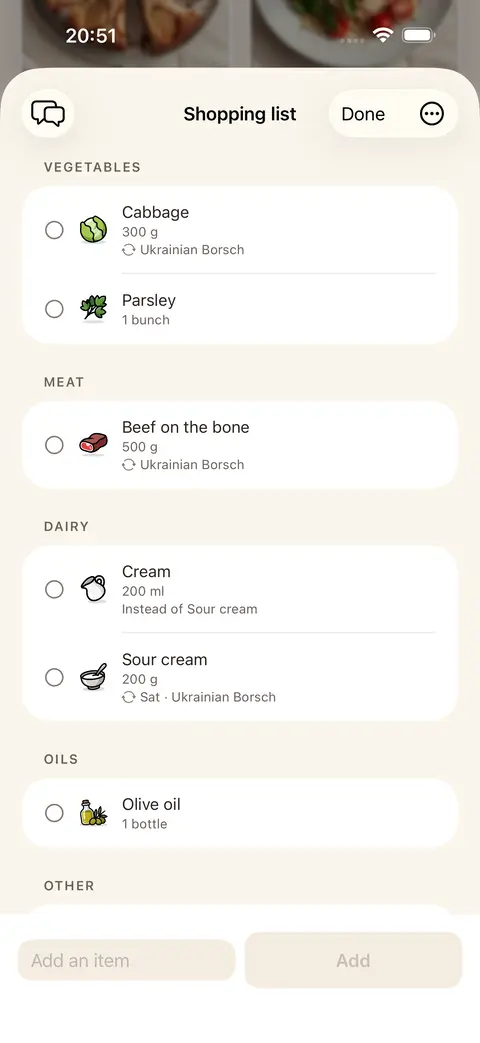
| Shopping list | Yes, per its listing: "Share your recipes, shopping lists and meal planner across all your iPhones, iPads, Macs, PCs and other mobile and tablet devices" | Yes, fills itself from what's missing |
| Hands-free cooking mode | Yes, via a separate Amazon Alexa skill (English only), per its listing: "cook hands-free with step-by-step instructions... using the Recipe Keeper skill for Amazon Alexa" | Yes, built into the app, with voice commands on the phone itself |
| AI assistant | Not listed on its App Store page (checked September 27, 2026) | Yes |
Recipe Keeper's features per its App Store listing, checked September 27, 2026. Fridge.Menu's per its own App Store listing.
What Fridge.Menu offers
Fridge.Menu syncs across your own devices and shares your recipe collection with family, imports recipes from a link, photo, text or video, and adds a pantry with barcode scanning and expiry reminders, a shopping list that fills itself from what a recipe is missing, and a step-by-step, hands-free cooking mode. Fridge.Menu is free with 10 AI credits to start.
How it works
- Import a recipe from a link, a photo, text or a video
- Share your pantry, list and plan with family
- Let the shopping list fill itself from what a recipe is missing
FAQ
Do I need to pay to sync Recipe Keeper across devices?
Its listing advertises cross-device sync as part of the $19.99 Pro upgrade; one reviewer reported being asked to purchase it again on a second device (App Store review, September 14, 2026) — worth confirming with Recipe Keeper's support before buying.
Can Recipe Keeper share recipes with someone who doesn't have the app?
Its listing describes email and social sharing; one reviewer reported the opposite experience: "there is no way to share your recipes with others unless they also have the app!" (App Store review, September 23, 2026).
Can I bring a Recipe Keeper recipe into Fridge.Menu?
You can import it by pasting its original link, or by photo or text, the same way you'd add any recipe to Fridge.Menu.
Is Fridge.Menu free?
Yes, with 10 free AI credits to start; no account is required to begin.