What to cook with what you already have
Just ask the Fridge.Menu AI assistant — it checks your pantry and suggests meals from the ingredients you already have at home.
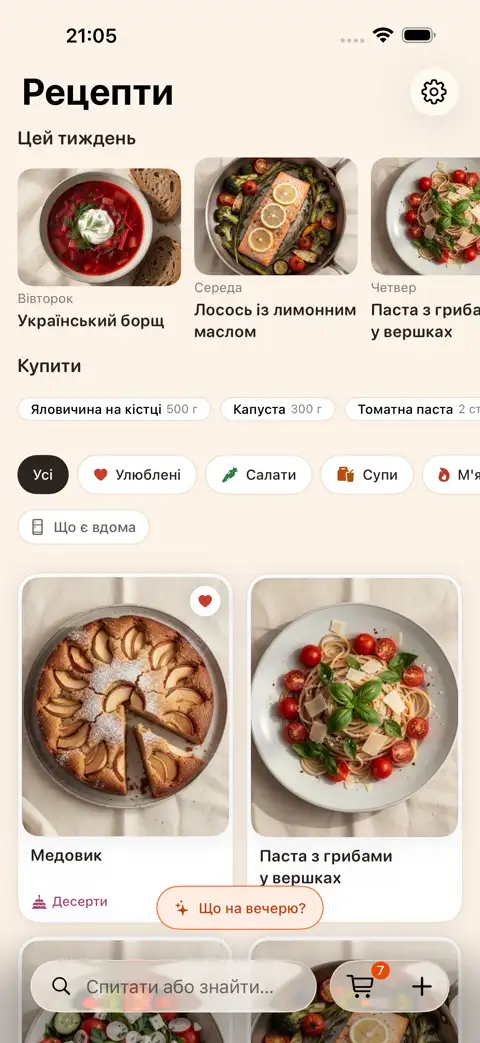
Meal ideas from your own pantry
Add items to your Fridge.Menu pantry by typing them in or scanning a barcode. The AI assistant suggests meals from what's already at home. Recipes show you which ingredients are missing, and which ones you have but are frozen or canned.
Friend, Chef or Grandma — pick your tone
Ask the AI what to cook, how to swap an ingredient, or how to adapt a recipe for a diet or allergy. Choose the tone of the answer — Friend, Chef or Grandma.
Steps
- Add items to your pantry by typing them in or scanning a barcode
- Ask the AI assistant what to cook with what you have
- Pick a dish and add the missing ingredients to your shopping list with one tap
FAQ
How do I add items to my pantry?
Type them in or scan a barcode.
What if I'm missing something for a recipe?
The recipe shows you what's missing. You can add those items to your shopping list with one tap — anything you already have at home won't be included.
Do I need to sign up to ask the AI?
No, no sign-up needed. Signing in with Apple is only required for syncing between devices.
Can I use the AI for free?
AI features use credits. You get 10 free credits every week to start. The app itself is free to install on iPhone from the App Store.